
Introduction
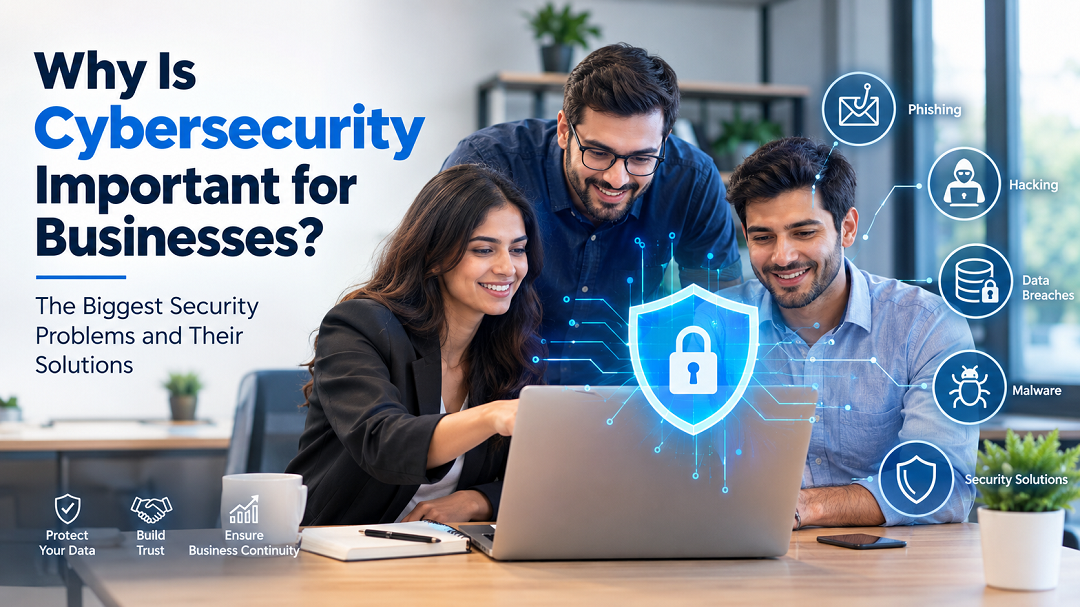
Every modern business depends on digital technology. Customer information, financial transactions, employee records, cloud applications, emails, and websites have become essential parts of daily operations. While technology has made businesses faster and more efficient, it has also created new opportunities for cybercriminals.
Many organizations believe cybersecurity is only necessary for large corporations. In reality, businesses of every size are targeted because attackers often look for the easiest vulnerabilities rather than the biggest companies. Recent guidance from the U.S. Federal Trade Commission (FTC) and India’s CERT-In highlights phishing, ransomware, malware, and data breaches as major risks for businesses, especially small and medium-sized enterprises.
The good news is that many cyberattacks can be prevented with the right strategy. This article answers common cybersecurity questions, explains real business problems, and provides practical solutions that organizations can implement immediately.
Why Do Businesses Become Targets for Cybercriminals?
The Problem
One of the biggest misconceptions is that hackers only attack famous brands or multinational companies.
The truth is different.
Cybercriminals often use automated tools to scan thousands of businesses looking for weak passwords, outdated software, exposed websites, and poorly secured networks. Businesses without strong security controls become easy targets.
Common weaknesses include:
- Weak passwords
- Outdated software
- Unsecured Wi-Fi
- Employees falling for phishing emails
- Lack of security monitoring
When attackers find a vulnerability, they can steal sensitive information, disrupt operations, or demand ransom payments.
The Solution
Every business should build a strong security foundation by:
- Enabling Multi-Factor Authentication (MFA)
- Updating software regularly
- Backing up critical data
- Training employees
- Monitoring systems for suspicious activity
Security experts recommend treating cybersecurity as an ongoing business process rather than a one-time installation.
Why Is Phishing Still One of the Biggest Cyber Threats?
The Problem
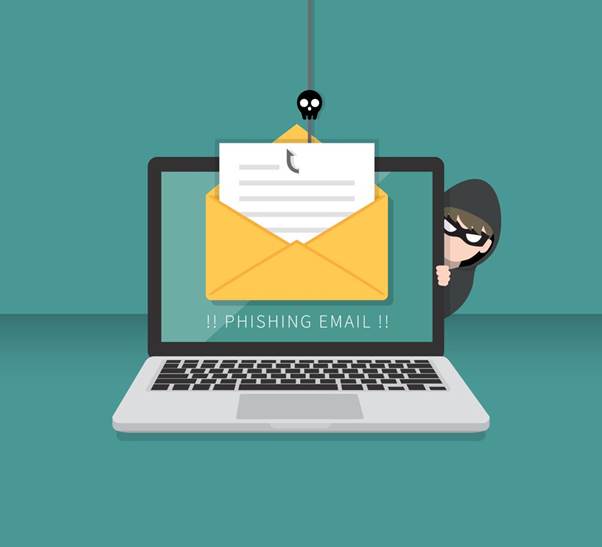
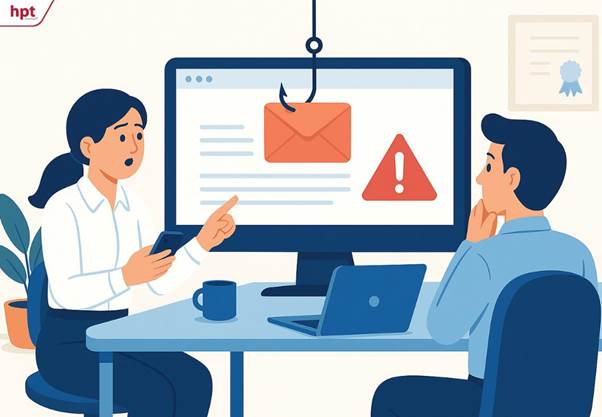
Phishing remains one of the most effective cyberattack methods because it targets people instead of technology.
Attackers create fake emails that appear to come from:
- Banks
- Microsoft
- Delivery companies
- Business partners
- Company executives
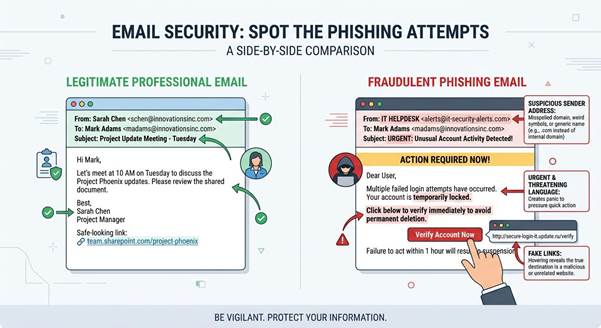
These emails usually create urgency.
Examples include:
- “Your account has been suspended.”
- “Review this invoice immediately.”
- “Reset your password now.”
Once someone clicks the malicious link or opens an infected attachment, attackers can steal login credentials or install malware.
Warning Signs
Watch for:
- Misspelled email addresses
- Unexpected attachments
- Urgent requests
- Suspicious login pages
- Requests for passwords or payments
The Solution
Organizations should:
- Conduct regular phishing awareness training.
- Verify unusual payment requests.
- Enable email authentication.
- Require MFA for business accounts.
- Encourage employees to report suspicious emails.
Building employee awareness is one of the most effective ways to reduce phishing-related incidents.
What Happens During a Ransomware Attack?

The Problem
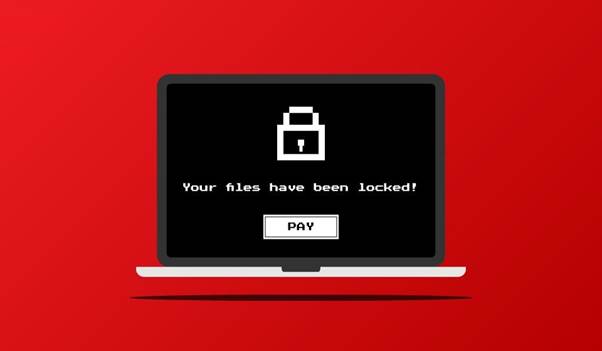
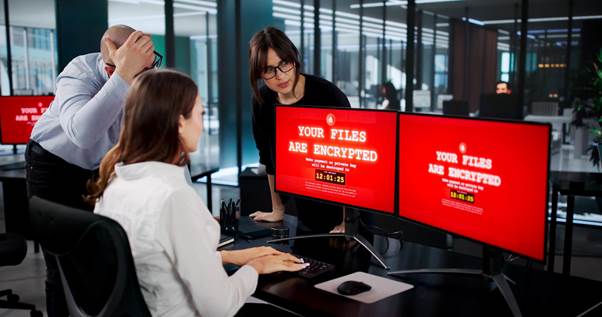
Ransomware is malicious software that locks or encrypts business files until a payment is demanded.
Imagine arriving at work and seeing this message:
“Your files have been encrypted.”
Without proper preparation, businesses may lose:
- Customer records
- Financial documents
- Operational systems
- Productivity
- Revenue
Recent CERT-In advisories identify ransomware as a high-priority threat affecting businesses across industries.
The Solution
Businesses should prepare before an attack happens.
Important steps include:
- Maintaining offline backups
- Applying security patches quickly
- Restricting unnecessary user access
- Securing remote access
- Creating an incident response plan
Organizations with tested backups often recover faster and reduce business disruption.
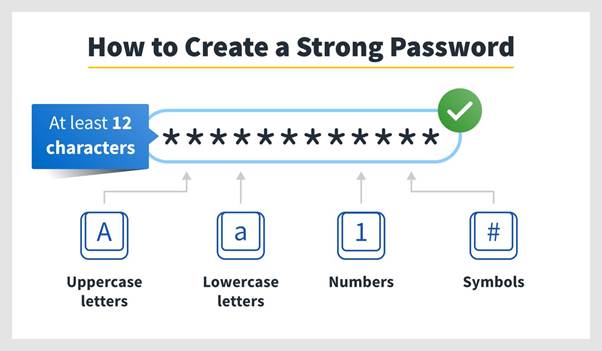
Why Are Weak Passwords a Serious Security Risk?
The Problem
Passwords remain one of the weakest points in many organizations.
Common mistakes include:
- Using short passwords
- Reusing passwords across accounts
- Sharing passwords between employees
- Using predictable combinations
If attackers discover one password, they may attempt to use it on multiple business services.
The Solution
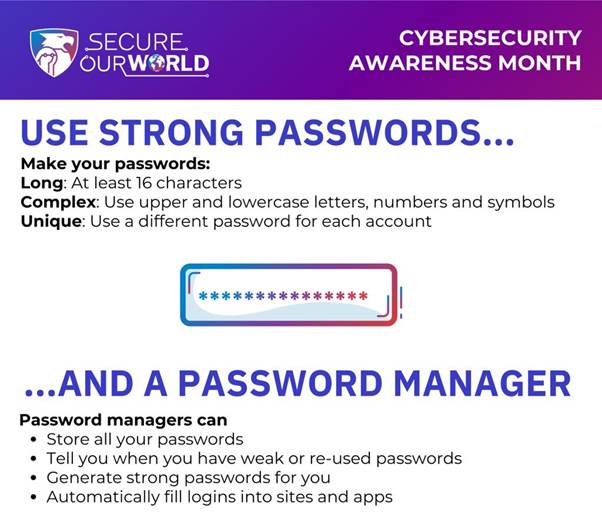
A stronger password strategy should include:
- Passwords with at least 12 characters
- Unique passwords for every account
- Password managers
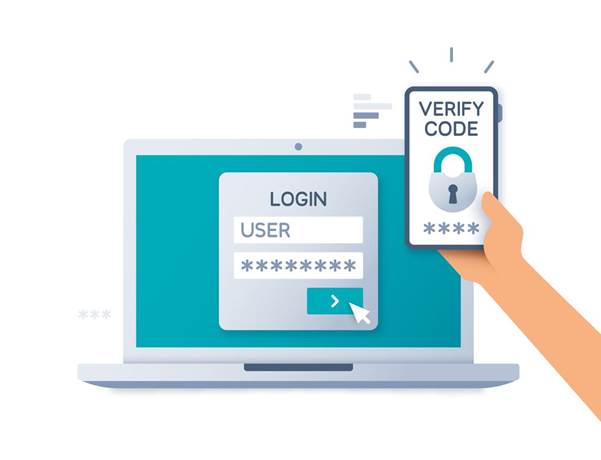
- Multi-Factor Authentication
- Protection against repeated login attempts
Long passphrases combined with MFA provide significantly stronger protection than passwords alone.
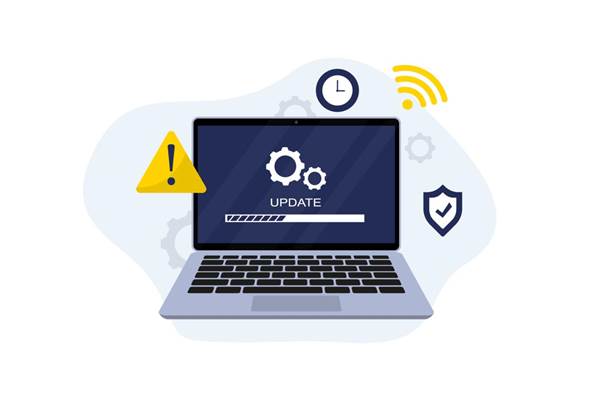
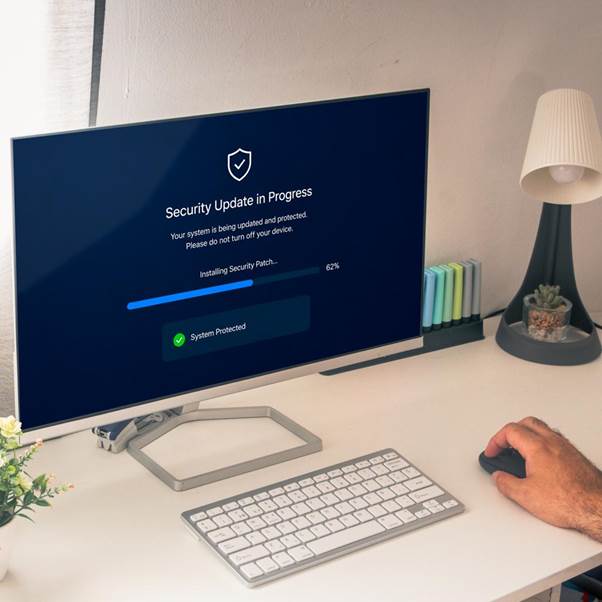
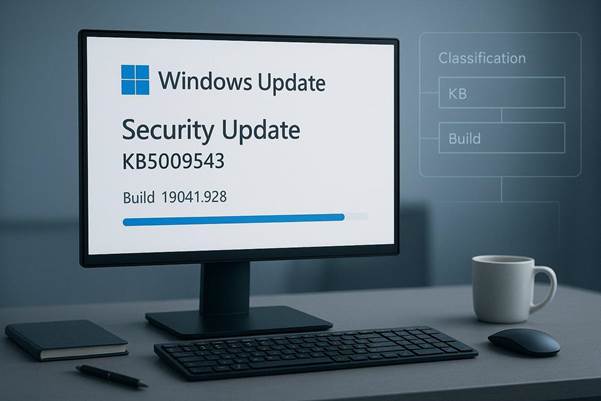
Why Are Software Updates So Important?
The Problem
Every software application eventually develops vulnerabilities.
When software vendors release security updates, cybercriminals often begin searching for businesses that haven’t installed them.
Common targets include:
- Windows
- Microsoft Office
- Web browsers
- WordPress
- Business applications
Ignoring updates gives attackers more opportunities to exploit known weaknesses.
The Solution
Create a patch management process.
Update regularly:
- Operating systems
- Business applications
- Firewalls
- Routers
- Security software
Automatic updates should be enabled whenever practical because they help close known vulnerabilities quickly.
Is Public Wi-Fi Safe for Business Work?

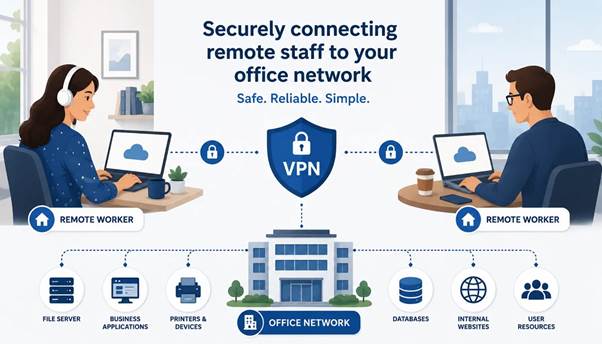
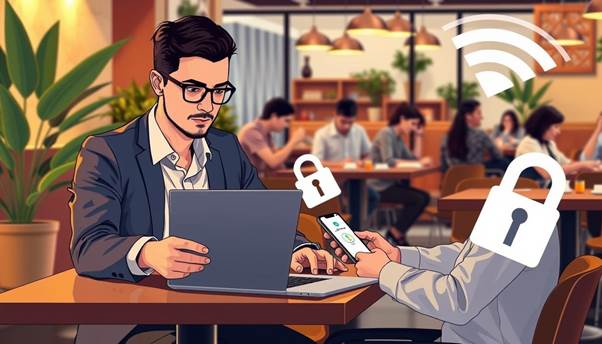
The Problem
Employees frequently work from:
- Airports
- Cafés
- Hotels
- Co-working spaces
Public Wi-Fi networks may expose business communications if connections are not properly secured.
Sensitive information like login credentials, emails, and business documents can become vulnerable.
The Solution
Businesses should implement secure remote work policies.
Best practices include:
- Using a Virtual Private Network (VPN)
- Encrypting business devices
- Requiring MFA
- Securing home Wi-Fi networks
- Using company-approved devices
Secure remote access reduces risks for employees working outside the office.
How Can Businesses Protect Customer Data?
The Problem
Customer information is one of the most valuable business assets.
It often includes:
- Names
- Email addresses
- Phone numbers
- Payment information
- Business records
A data breach can result in financial losses, legal obligations, and loss of customer trust.
The Solution
Protect sensitive data by:
- Encrypting stored information
- Encrypting transmitted data
- Limiting employee access
- Removing unnecessary data
- Monitoring suspicious activity
The principle of least privilege—giving employees access only to the information they need—is a widely recommended security practice.
Why Is Employee Cybersecurity Training Necessary?
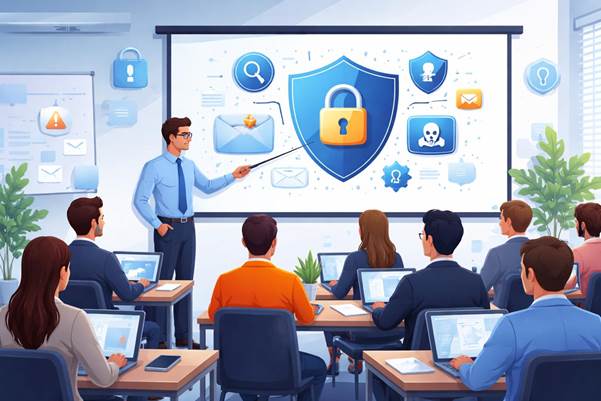
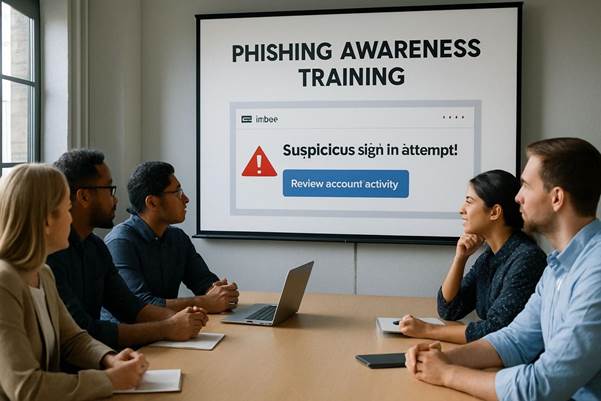
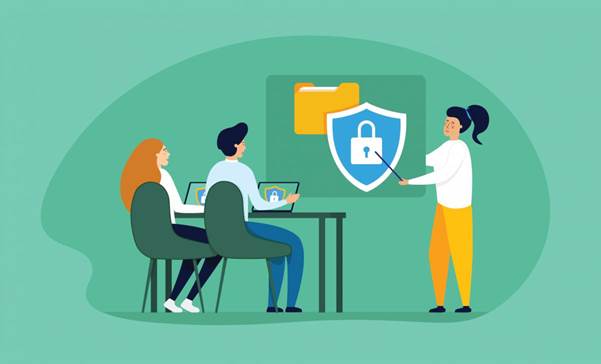
The Problem
Even the best security software cannot prevent every mistake.
Employees make security-related decisions every day.
Examples include:
- Opening emails
- Downloading attachments
- Using personal devices
- Sharing sensitive information
Without proper training, these actions increase organizational risk.
The Solution
Create continuous cybersecurity awareness programs.
Training should cover:
- Phishing
- Password safety
- Remote work security
- Social engineering
- Incident reporting
Regular training helps build a stronger security culture throughout the organization.
What Should Businesses Do After a Cybersecurity Incident?
The Problem
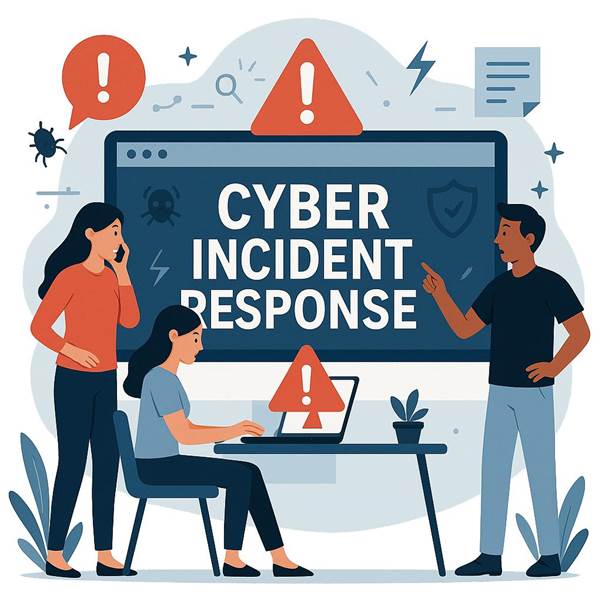
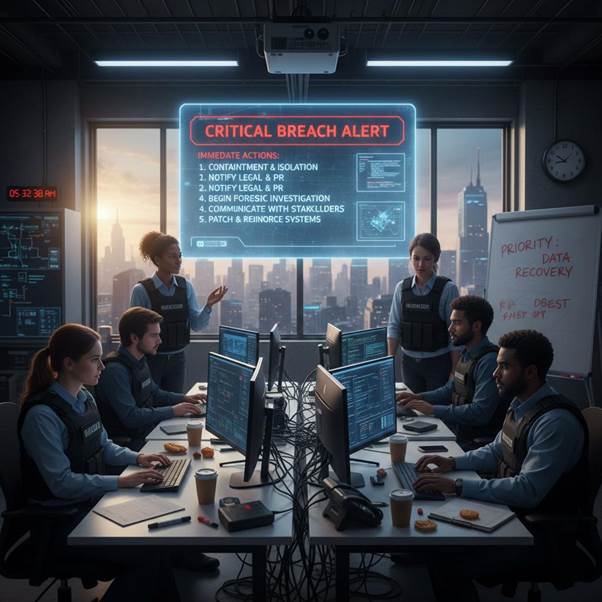
Many organizations react too slowly during cyber incidents because they have no predefined response plan.
Delays often increase damage.
The Solution
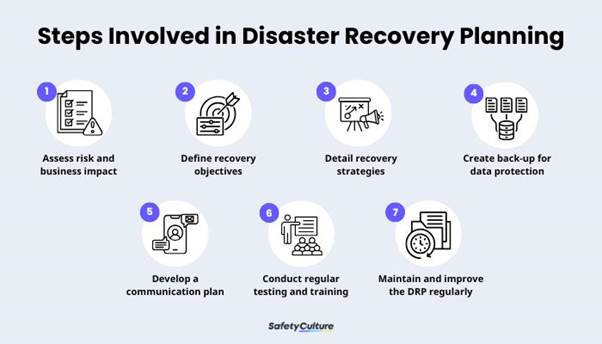
Create an Incident Response Plan before an attack occurs.
The plan should include:
- Identify the incident.
- Isolate affected systems.
- Preserve evidence.
- Notify internal stakeholders.
- Recover from backups.
- Review lessons learned.
Businesses with tested response procedures recover more efficiently after security incidents.
The Essential Cybersecurity Checklist for Every Business
Every organization should regularly review these security measures.
|
Security Measure |
Priority |
|---|---|
|
Enable Multi-Factor Authentication |
High |
|
Update Software |
High |
|
Backup Critical Data |
High |
|
Train Employees |
High |
|
Use Strong Passwords |
High |
|
Encrypt Sensitive Data |
High |
|
Secure Wi-Fi Networks |
High |
|
Monitor Systems |
High |
|
Create an Incident Response Plan |
High |
|
Review Vendor Security |
Medium |
These foundational practices closely align with guidance from the FTC and CERT-In for reducing cyber risks.
Common Cybersecurity Mistakes Businesses Should Avoid
Many successful cyberattacks happen because of simple mistakes.
Avoid these common errors:
- Using default passwords
- Ignoring software updates
- Reusing passwords
- Skipping employee training
- Failing to back up important data
- Giving employees excessive access
- Using unsecured public Wi-Fi
- Ignoring suspicious emails
- Operating without a recovery plan
Fixing these issues can significantly strengthen an organization’s overall security posture.
Future Cybersecurity Challenges Businesses Should Prepare For
Cyber threats continue to evolve as technology advances.
Businesses should prepare for emerging challenges such as:
- AI-powered phishing attacks
- More advanced ransomware
- Supply chain attacks
- Cloud security risks
- Insider threats
- Identity-based attacks
Modern cybersecurity requires continuous monitoring, regular risk assessments, and ongoing employee awareness rather than relying on a single security solution.
Frequently Asked Questions
Is cybersecurity necessary for small businesses?
Yes. Small businesses are frequently targeted because they often have fewer security resources and weaker defenses than larger organizations.
What is the most common cyberattack?
Phishing remains one of the most common ways attackers gain access to business accounts.
How often should software be updated?
Critical security updates should be installed as soon as practical, and automatic updates should be enabled whenever possible.
Why is Multi-Factor Authentication important?
MFA adds an extra layer of protection beyond passwords, making unauthorized access much more difficult.
Secure Your Business with Knotra Global’s Cyber Security Services
Cybersecurity is no longer optional—it’s a business necessity. Protecting customer data, securing business operations, and preventing costly cyber incidents requires a proactive and professional security strategy.
Knotra Global helps businesses strengthen their digital security through comprehensive cybersecurity solutions, including security assessments, vulnerability management, threat protection, compliance support, and proactive risk mitigation tailored to organizations of all sizes.
If you’re ready to build a stronger security foundation and protect your business from evolving cyber threats, explore our Cyber Security Services today.
Learn More: https://knotraglobal.com/cyber-security

Ravi, IT & Marketing Director at KnoTra Global, blends 16+ years of IT and marketing expertise to drive innovation in cybersecurity, cloud, and IT support.