
When your internal IT team spends more time resolving employee support tickets than managing technology improvements, it may be time to consider an outsourced IT service desk. However, choosing the right provider requires more than comparing service packages or hourly rates. You need a partner who understands your IT environment, provides dependable support coverage, follows clearly defined service levels and protects access to your business systems.
An outsourced IT service desk provider should help your organisation manage incidents, fulfil service requests, support end users and maintain consistent IT operations. The right arrangement should also integrate with your existing IT team rather than create another layer of operational complexity.
So, how do you choose an outsourced IT service desk provider?
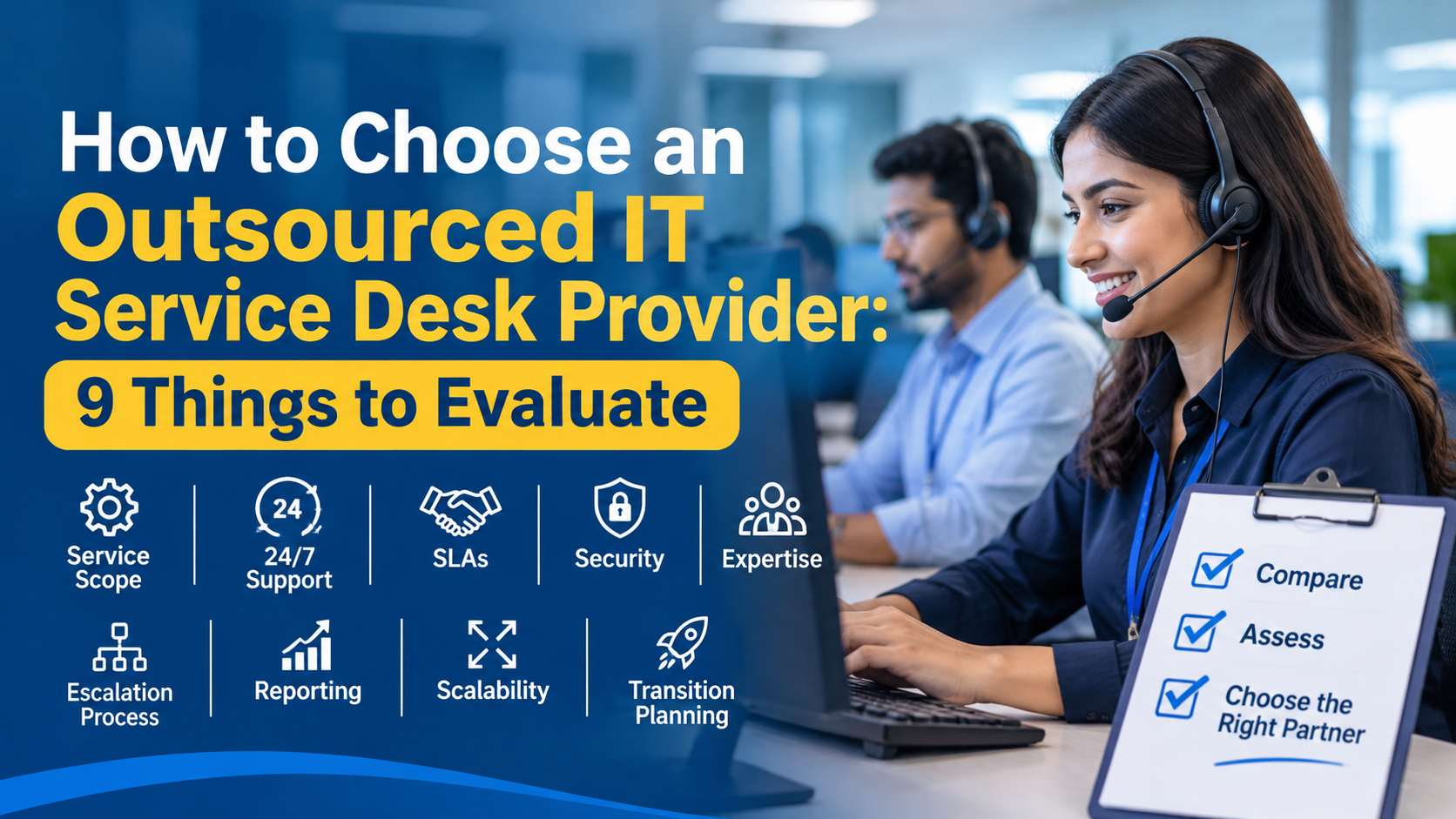
Evaluate nine important areas: service scope, support coverage, SLAs, technical expertise, security, escalation procedures, reporting, scalability and transition planning.
Here is a practical framework to help you make an informed decision.
1. Understand What Your Business Needs from an Outsourced IT Service Desk
Before approaching service providers, identify the support challenges you want to address.
Different organisations have different service desk requirements. A growing company may need assistance managing increasing employee support requests, while an established enterprise may require additional coverage across multiple locations and time zones.
Start by reviewing your existing IT support operations.
Consider the following questions:
- How many employees require IT support?
- How many incidents and service requests does your team receive each month?
- Which issues consume the most IT support time?
- Do employees work from multiple offices or remotely?
- Do you require support outside normal business hours?
- Which applications, devices and infrastructure require assistance?
- Does your internal IT team need additional capacity or a complete service desk solution?
Documenting these requirements helps you communicate your expectations to potential providers.
It also prevents you from paying for services that your organisation does not need.
Practical tip: Review historical ticket data before requesting proposals. Ticket volume, recurring issues, average handling time and peak support periods can help establish realistic service requirements.
2. Evaluate the Scope of IT Service Desk Services
Not every outsourced IT service desk provider delivers the same level of support.
Some providers concentrate on basic help desk functions, while others offer broader service desk management, incident coordination and technical assistance.
Understand exactly what is included in the proposed service.
Depending on your requirements, the service scope may include:
- Incident management: Recording, categorising, prioritising and resolving IT incidents.
- Service request management: Handling routine employee requests for IT assistance and services.
- Technical troubleshooting: Supporting common hardware, software, connectivity and access-related problems.
- End-user support: Helping employees resolve technology issues that affect their daily work.
- Ticket management: Tracking requests, assigning ownership and monitoring resolution progress.
- Escalation management: Transferring complex issues to appropriate technical specialists.
- Remote support: Assisting employees who work outside the office.
- Service desk reporting: Providing visibility into ticket volumes, recurring issues and service performance.
Ask potential providers to explain which activities they handle directly and which require escalation to your internal IT department or another service provider.
This distinction is important.
For example, a service desk may resolve a routine software access issue but need approval from your internal administrator before changing privileged permissions.
Clearly documented responsibilities prevent confusion when support requests become more complex.
3. Check Support Availability and Coverage Requirements
Support availability is one of the most important considerations when outsourcing an IT service desk.
Businesses operating across multiple locations, time zones or extended working hours may require support beyond a conventional office schedule.
A provider offering 24/7 IT service desk support can help address this requirement, provided that the coverage is explicitly included in the agreement.
Before selecting a provider, clarify:
- Whether support is available 24 hours a day, seven days a week.
- Whether weekends and public holidays are covered.
- Which communication channels employees can use.
- Whether after-hours support is provided by dedicated or shared teams.
- How urgent incidents are handled outside normal business hours.
- Whether coverage applies to every service category or only specified incidents.
Also distinguish between service availability and resolution commitments.
A provider may accept tickets around the clock without guaranteeing that every issue will be resolved immediately.
For example, a password reset and a major network outage require different levels of expertise, urgency and escalation.
Your agreement should reflect those differences.
4. Examine Service Level Agreements (SLAs)
A Service Level Agreement defines the service expectations and performance commitments between your organisation and the outsourcing provider.
Without measurable SLAs, it becomes difficult to determine whether the service desk is delivering the support your business requires.
When evaluating proposals, examine these SLA components:
| SLA component | What to evaluate |
|---|---|
| Response time | How quickly the provider acknowledges a support request |
| Resolution time | Expected time to resolve incidents by priority |
| Service availability | Agreed support hours and coverage |
| First-contact resolution | Percentage of eligible issues resolved during initial contact |
| Escalation time | How quickly unresolved issues reach the next support level |
| Reporting frequency | How often service performance is reviewed |
| Service quality | How employee satisfaction and support quality are measured |
Ask providers to demonstrate how they measure SLA performance.
You should also clarify:
- How are incidents assigned priority levels?
- Are response and resolution targets measured separately?
- What happens when an SLA is missed?
- Are service credits or other remedies included?
- How are recurring SLA failures investigated?
Do not select a provider simply because it promises the fastest response time.
A realistic SLA with transparent measurement and accountability is more valuable than an impressive but poorly defined commitment.
5. Assess Technical Expertise and Service Desk Capabilities
Your outsourced service desk provider should have the technical knowledge required to support your organisation’s IT environment.
A provider’s overall reputation is not enough. You need to understand the capabilities of the actual team responsible for your support.
Evaluate its experience with:
- Desktop and workstation troubleshooting.
- Operating systems and business applications.
- Network and connectivity issues.
- User account and access-related requests.
- Remote employee support.
- IT ticketing and service management processes.
- Incident documentation and knowledge management.
- Coordination with infrastructure and specialist IT teams.
Ask whether the provider has experience supporting organisations with similar technical environments and operational requirements.
You should also understand its staffing model.
Will your organisation receive a dedicated support team, a shared service desk or a combination of both?
Each arrangement has advantages and trade-offs.
A dedicated team may provide greater familiarity with your environment, while a shared team may offer a more flexible service model. The right choice depends on ticket volume, complexity, coverage and budget.
Request information about staff training, technical qualifications and the process used to maintain consistent service quality.
6. Make Security and Access Management a Priority
Outsourcing IT support does not eliminate your organisation’s responsibility to protect its systems and information.
An external service desk may require access to user accounts, business applications, devices and internal IT resources. Poorly managed access can introduce unnecessary security risks.
Evaluate the provider’s security practices before granting operational access.
Important areas include:
Access controls
- Are support permissions assigned according to job responsibilities?
- Is privileged access restricted to authorised personnel?
- Are access rights reviewed regularly?
- Can temporary access be granted and revoked appropriately?
Authentication and accountability
- Does the provider use appropriate authentication controls?
- Are support activities recorded?
- Can administrative actions be traced to individual users?
Data protection
- How is sensitive business information handled?
- What information can support agents access?
- How are customer data and support records protected?
- What happens to access credentials and records when the contract ends?
Incident handling
- How are suspected security incidents reported?
- Who is responsible for coordinating the response?
- How quickly will your organisation be notified?
The National Institute of Standards and Technology (NIST) recommends managing external service provider access through defined permissions, appropriate agreements and monitoring.
Reference: https://csrc.nist.gov/pubs/sp/800/161/r1/upd1/final
Make sure security responsibilities are documented in your outsourcing agreement rather than relying solely on verbal assurances.
7. Review Escalation Procedures and Communication
An effective IT service desk should not simply receive tickets and pass them between teams.
It needs a structured escalation process that ensures unresolved issues reach the right technical resources.
Ask potential providers to explain how they manage different support levels.
For example:
- Level 1: Initial troubleshooting, ticket classification and routine support requests.
- Level 2: More complex application, operating system and technical issues.
- Level 3: Specialist engineering support or issues requiring advanced technical investigation.
These levels are a common operating model, but the exact responsibilities should be agreed between your organisation and the provider.
Also establish who owns communication during major incidents.
Your business should know:
- Who receives escalation notifications.
- Who communicates updates to affected employees.
- Who coordinates with internal IT personnel.
- Who approves major technical changes.
- Who confirms that an incident has been resolved.
A clearly defined escalation framework helps avoid delays caused by unclear responsibilities.
8. Evaluate Reporting, Performance Monitoring and Continuous Improvement
An outsourced IT service desk should provide visibility into support performance.
Regular reporting helps your organisation understand whether the provider is meeting expectations and where operational improvements may be needed.
Ask whether the provider can supply reports covering:
- Total tickets received.
- Open and closed tickets.
- Average response times.
- Average resolution times.
- SLA achievement.
- First-contact resolution.
- Repeated incidents.
- Outstanding escalations.
- User satisfaction.
Do not focus exclusively on the number of tickets closed.
A high ticket closure rate does not necessarily mean that employees are receiving effective support. Recurring incidents, reopened tickets and unresolved root causes may indicate deeper problems.
Schedule regular service reviews with your provider.
Use these meetings to identify recurring issues, review service levels, discuss upcoming technology changes and agree on improvement actions.
9. Assess Scalability, Onboarding and Transition Planning
Your IT service desk requirements may change as your organisation grows.
You may hire additional employees, introduce new applications, expand into different markets or adopt new working arrangements.
Your outsourcing partner should be able to accommodate changing support requirements.
Before signing an agreement, discuss:
- How additional users are accommodated.
- Whether support hours can be expanded.
- How new applications and devices are introduced.
- Whether staffing can be adjusted when ticket volumes increase.
- How changes in service scope are priced.
- Whether the provider can support additional business locations.
You should also evaluate the onboarding process.
A structured transition should include:
- Environment assessment: Document existing systems, applications, users and support requirements.
- Knowledge transfer: Share relevant troubleshooting guides, known issues and technical documentation.
- Access configuration: Establish approved accounts, permissions and security procedures.
- Ticketing configuration: Agree on categories, priorities, routing and escalation rules.
- Pilot support: Introduce the service with a controlled group or agreed service scope.
- Operational review: Validate processes, reporting and communication before expanding coverage.
Do not underestimate knowledge transfer.
An outsourced team cannot provide consistent support if it does not understand your systems, workflows and business priorities.
Also clarify ownership of support documentation, knowledge base content, ticket histories and other operational records.
Common Mistakes to Avoid When Outsourcing an IT Service Desk
Even a technically capable provider can become the wrong choice when the outsourcing arrangement is poorly defined.
Avoid these common mistakes:
Choosing exclusively on price
A low quotation may exclude after-hours coverage, specialist support or essential service management activities. Compare proposals against the same scope before making a decision.
Ignoring security responsibilities
Do not assume that the provider automatically follows your internal access and security policies. Document responsibilities, permissions and monitoring requirements.
Accepting vague SLA commitments
Terms such as fast response and prompt resolution are not measurable. Request specific targets and reporting methods.
Failing to define escalation ownership
Your internal IT team and outsourced provider should understand who handles each category of incident and when escalation is required.
Overlooking employee experience
The service desk exists to help employees work effectively. Consider support accessibility, communication quality and user satisfaction alongside technical metrics.
Skipping transition planning
Moving support responsibilities without adequate documentation and knowledge transfer can create unnecessary disruption.
Why Consider KnoTra Global for IT Service Desk Outsourcing?
Selecting an outsourcing partner means finding a provider whose capabilities align with your business requirements.
KnoTra Global offers outsourced IT Service Desk services designed to support organisations with their IT incident management, end-user assistance and service desk operations.
Its published service offering highlights:
- 24/7 IT support: Round-the-clock assistance for businesses requiring extended support coverage.
- Incident management: Structured handling of IT incidents and user issues.
- Experienced support: Access to an IT service desk team.
- Scalable services: Support arrangements designed to accommodate changing business requirements.
- Tailored solutions: Service desk support aligned with individual organisational needs.
- User-focused assistance: Emphasis on resolving employee IT issues and maintaining operational continuity.
KnoTra Global also provides related IT services, including managed IT support, IT security management, IT asset management and workstation management.
This broader service portfolio may be relevant to organisations evaluating how their service desk should coordinate with other IT functions.
However, the precise scope, support channels, SLA commitments, security controls and pricing should be confirmed directly with the provider before engagement.
To understand whether its service desk offering matches your requirements, discuss your current IT support challenges and expected service coverage with the team.
Final Checklist: Choosing the Right Outsourced IT Service Desk
Before selecting a provider, use this checklist to compare potential outsourcing partners.
- The provider understands your IT support requirements.
- Service scope and exclusions are documented.
- Support availability matches your operating hours.
- Response and resolution SLAs are clearly defined.
- Technical expertise matches your IT environment.
- Security and access management responsibilities are established.
- Escalation procedures are documented.
- Performance reporting is available.
- The service can scale with your organisation.
- Onboarding and knowledge transfer are planned.
- Pricing and additional charges are transparent.
- Contract termination and knowledge handover arrangements are clear.
The best outsourced IT service desk provider is not necessarily the largest or cheapest. It is the one that can meet your operational requirements, communicate clearly, protect your IT environment and demonstrate service performance against agreed expectations.
Frequently Asked Questions
1. What is an outsourced IT service desk?
An outsourced IT service desk is an external support service that manages defined IT incidents, employee requests and technical support activities on behalf of an organisation. It acts as a central contact point for users who need assistance with business technology.
2. What services can an outsourced IT service desk provide?
Depending on the agreed scope, services may include incident management, service request handling, troubleshooting, remote employee support, ticket management, escalation coordination and service performance reporting.
3. Is 24/7 IT service desk outsourcing suitable for small and medium-sized businesses?
It can be suitable for businesses that operate beyond conventional office hours, support remote employees or require assistance across multiple time zones. The decision should depend on actual support demand, operational risk and budget.
4. How do I measure the performance of an outsourced IT service desk?
Common performance indicators include response time, resolution time, SLA achievement, first-contact resolution, ticket backlog, recurring incidents and employee satisfaction. These metrics should be defined and reviewed regularly.
5. How long does it take to transition to an outsourced IT service desk?
The transition timeline depends on the number of users, complexity of the IT environment, service scope, documentation quality and access requirements. A structured onboarding process should include assessment, knowledge transfer, access configuration, ticketing setup and operational validation.
Looking for a Reliable IT Service Desk Outsourcing Partner?
Managing IT support internally can become challenging when ticket volumes increase, employees work across different locations and your IT team needs to focus on strategic priorities.
KnoTra Global provides IT Service Desk outsourcing solutions designed to support business IT operations through incident management, end-user assistance, scalable support and round-the-clock service options.
Explore the service offering and discuss your organisation’s requirements with the team.
Explore KnoTra Global IT Service Desk Outsourcing Services
You can also contact KnoTra Global to discuss a free trial and understand whether its IT service desk services are suitable for your organisation.

Ravi, IT & Marketing Director at KnoTra Global, blends 16+ years of IT and marketing expertise to drive innovation in cybersecurity, cloud, and IT support.